 Privacy & Trust
Lost or stolen phone: what to do in the first hour
Check a shared family map first, it's often faster than any find-my feature and doesn't require the missing phone itself. Then, in order: ring it, mark it lost with a contact number, tell your carrier about the SIM, and secure your email account before any other password, because email is what resets everything else. Report to police and insurer last, with the IMEI ready.
There's a particular kind of panic that comes from patting an empty pocket. It's not really about the phone, it's about everything the phone can unlock: your email, your banking apps, your photos, your child's location. That panic is exactly why order matters. Do the right things in the wrong sequence and you waste the first, most useful minutes; do them in the right order and most of the damage is preventable even if the phone itself never comes back.
This is a playbook, not a lecture. It assumes the worst, the phone is genuinely gone, not just under the sofa cushion, and walks through what to do, in what order, in the first hour. It also covers the preparation that makes this whole process take ten minutes instead of two hours of panicked password resets.
One thing worth saying up front: most lost phones are lost, not stolen, and most stolen phones are resold rather than used to raid your accounts. That doesn't mean you should be slow about this, it means the first hour is about closing doors, not assuming the worst has already happened.
What's the actual first-hour sequence?
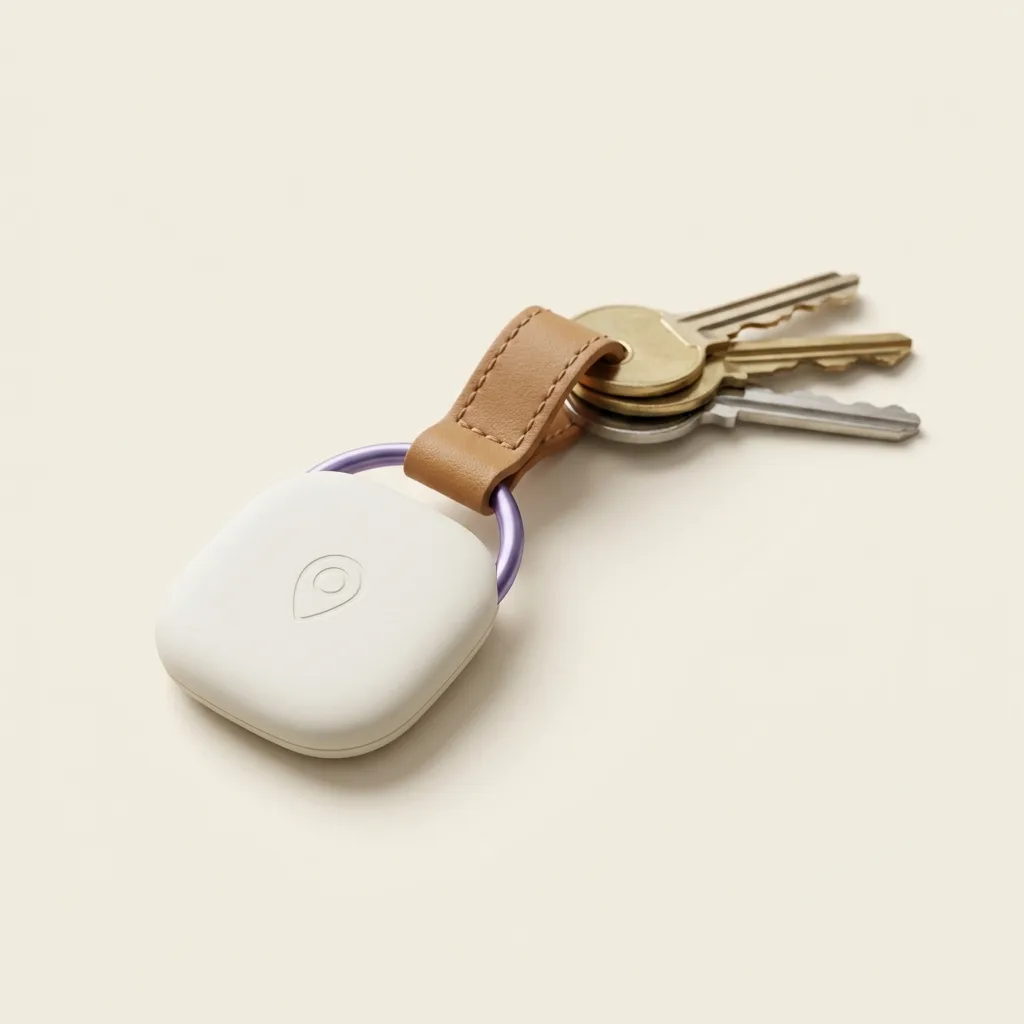
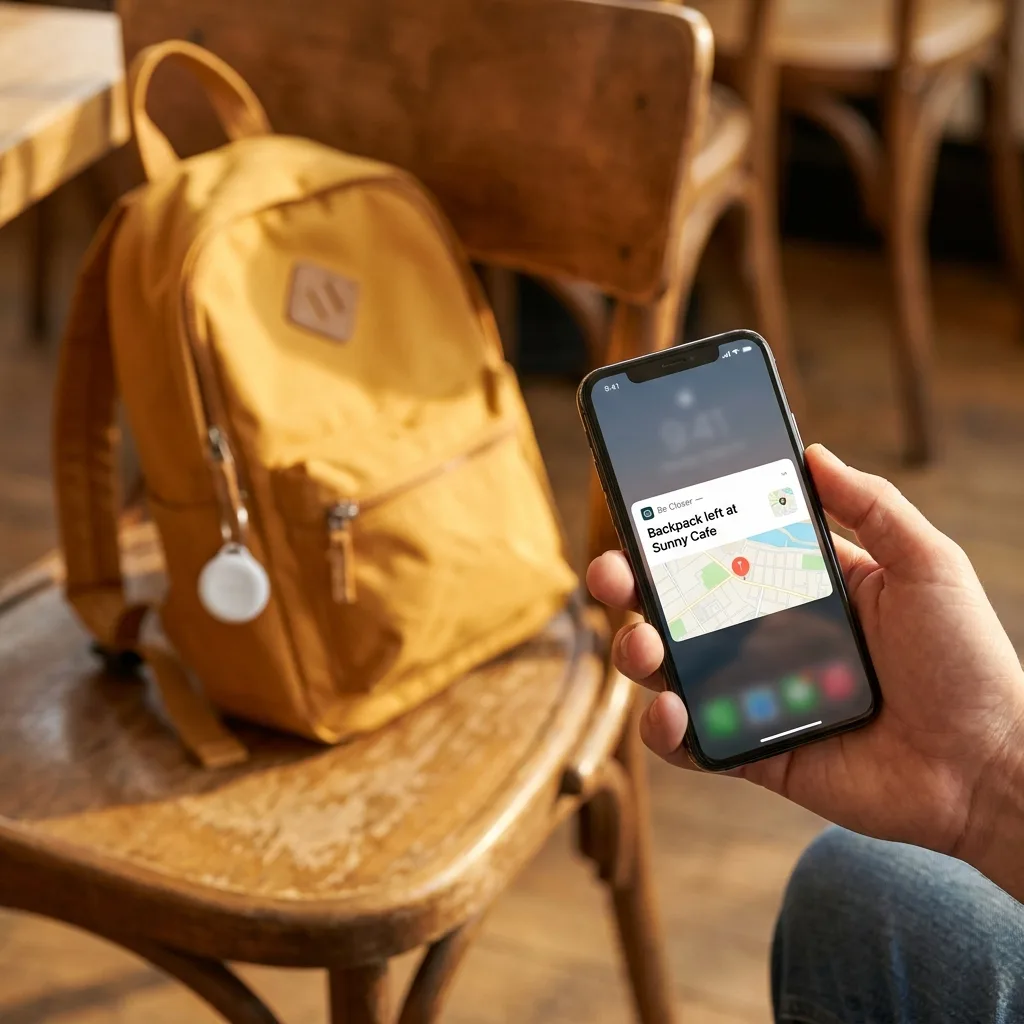
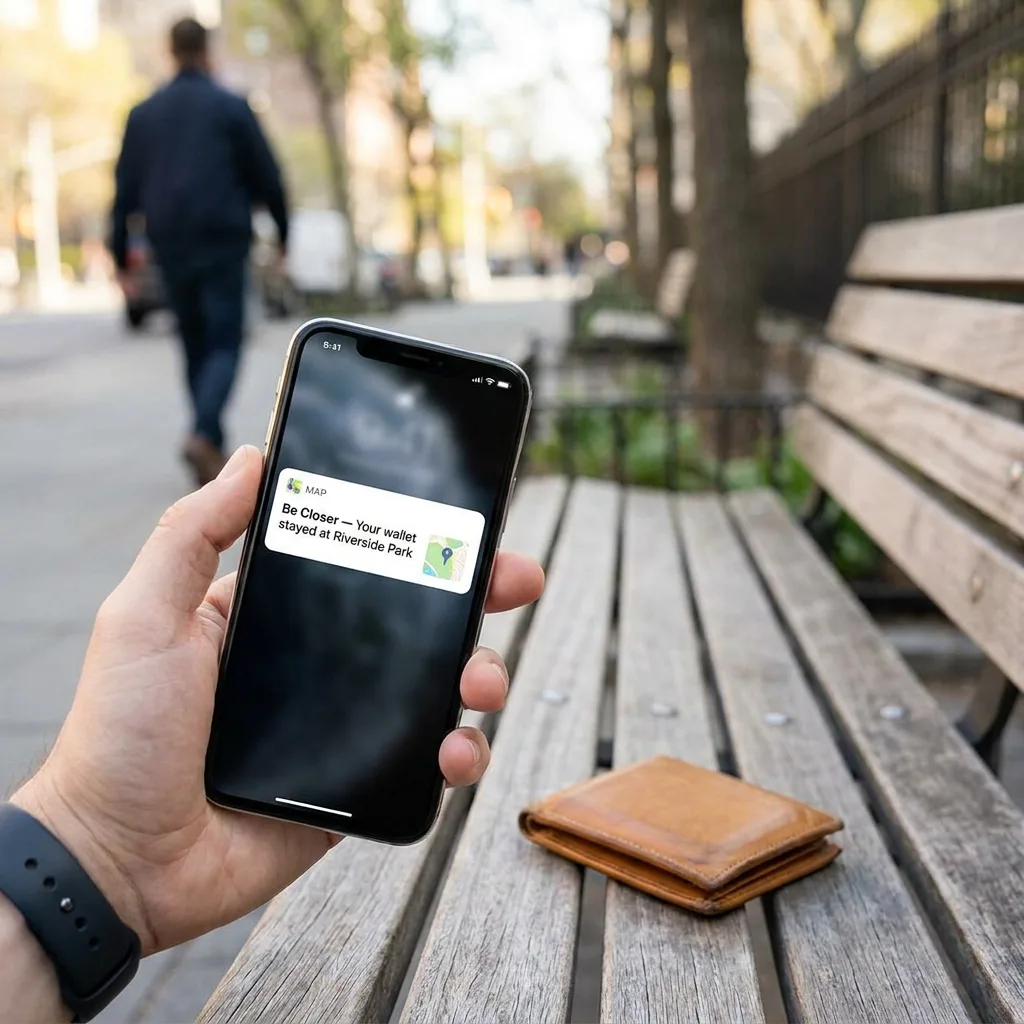
- 1Check the family map first. If you already share location with the phone's owner, or the phone was carrying a tag, check the map before anything else. It tells you in seconds whether this is 'left on the bus five minutes ago and still moving' or 'been sitting still at an address you don't recognise for an hour', two very different situations that call for different urgency.
- 2Ring it. Obvious, but people skip it in the panic. If it's nearby and just missed, this ends the problem in thirty seconds. If it rings out or goes straight to voicemail, that's information too, a phone that's been powered off is more likely to have been taken deliberately.
- 3Mark it as lost, with a message and a number. Both Find My and Google's Find Hub let you lock the phone remotely and display a message with a contact number on the lock screen, even while it's offline, the message shows the moment it reconnects. This is the single most effective step for an honestly-lost phone, because it turns anyone who picks it up into a potential returner rather than a finder-keeper.
- 4Call your carrier about the SIM. Ask them to suspend the SIM. This stops anyone from receiving your calls and texts, including the SMS codes that some services still use to reset passwords, and stops you from being billed for calls you didn't make.
- 5Secure your email account first, before any other password. This is the step people get backwards. Email is the master key: nearly every other account can be reset through it. Change the email password from another device, check for unfamiliar recovery emails or forwarding rules, and turn on two-factor authentication if it isn't already on.
- 6Then work down the list: banking, then messaging apps, then anything with saved payment details. Do this from a computer or another phone, not from memory under pressure, a written list, made in advance, saves real time here.
- 7Report it, last, with the IMEI ready. File a police report if it was stolen (many insurers require this before they'll pay out), and contact your phone insurer or carrier with the IMEI number, which is what lets a carrier blacklist the device so it can't be reactivated on their network even with a new SIM.
Why does the email account jump the queue?
Because it's not really about the phone. Anyone determined to get into your accounts doesn't need the device itself, they need the ability to reset a password, and that path runs through your email almost every time. If your email is secure, a stolen phone is a stolen piece of hardware. If your email isn't, a stolen phone is a key to everything else, one reset link at a time. Securing it first isn't paranoia; it's closing the one door that opens all the others.
What should you actually set up before this happens?
Before-it-happens checklist
- Screen lock on, with a code that isn't your birthday or a repeated digit.
- Find My or Find Hub enabled and tested at least once, don't discover it's off when you need it.
- IMEI number written down somewhere that isn't the phone itself (dial *#06# to find it, then store it in a notes app on another device or on paper).
- Recent backups, so a wipe or a replacement phone doesn't also cost you your photos.
- No passwords stored in a plain notes app on the phone, use a proper password manager with its own separate lock.
- Two-factor authentication set up on your email using an authenticator app or hardware key, not only SMS, since SMS codes stop reaching you the moment the SIM is suspended.
Be Closer shows your whole family on one private map, free to start.
Consent-first, never sold, and gentle on your battery. iOS and Android.
What do thieves actually do with a stolen phone?
Mostly, resell it, wiped, unlocked if possible, sold as parts or a working handset. That's the least alarming outcome and the reason a fast remote lock matters: a locked, tracked phone is worth far less to resell than an unlocked one, which is a real deterrent even if the phone itself is never recovered.
Less commonly, a stolen phone becomes the first step in a SIM-swap or account-takeover attempt, where the goal is your accounts rather than the hardware. This is rarer, but it's the scenario that makes speed on the email account and SIM suspension worth doing even when you suspect it's 'just' theft for resale. You're not overreacting by doing both, you're covering the two most likely outcomes at once.
Why does a shared family map beat find-my when you're the one panicking?
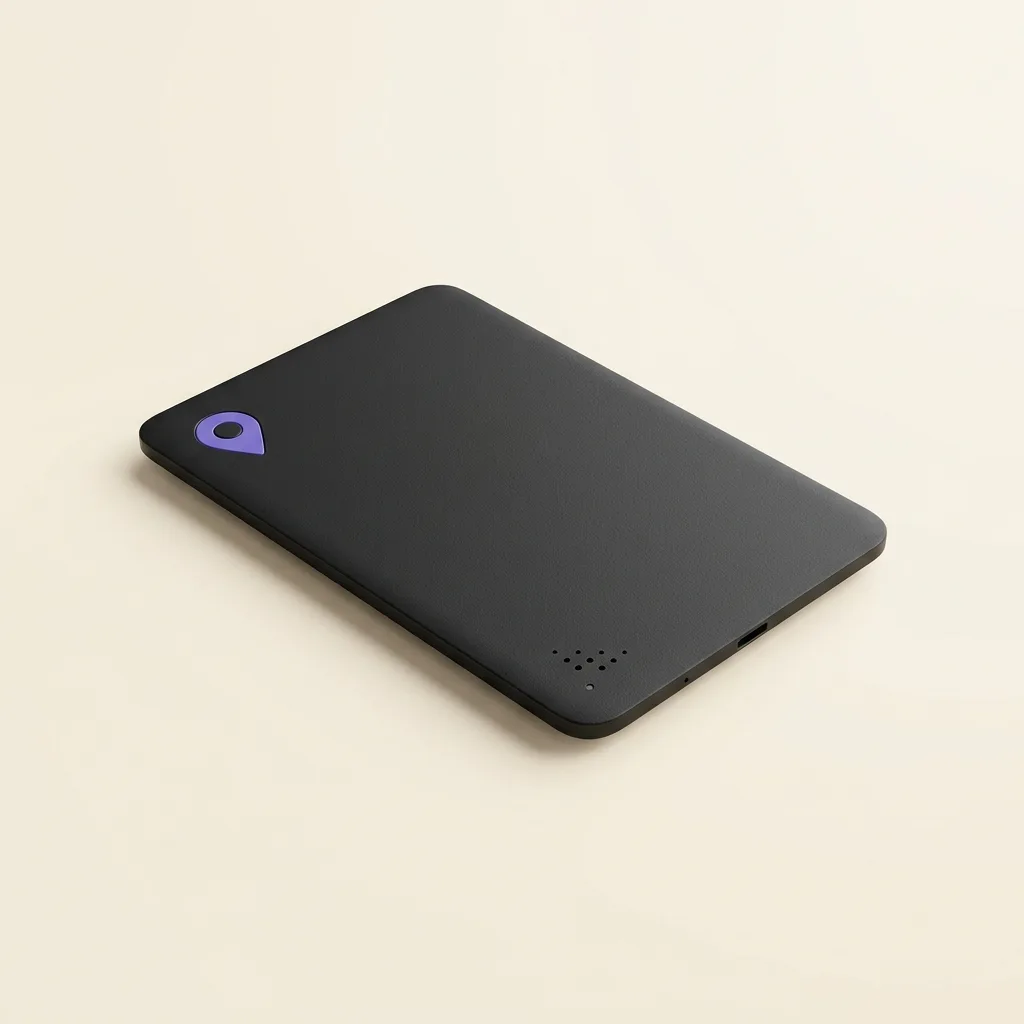
There's a specific, awkward problem with relying only on your own phone's find-my feature: the phone that's missing is often the one you'd normally use to check. If you share location as a family, through a tag, a card, or a family app, someone else in the household can look up the last known location immediately, from their own device, without you needing to borrow one, remember a password, or wait to get to a computer.
This is one of the quieter arguments for setting up family location sharing before anything goes wrong, not as a surveillance measure but as a practical backup: when the device you'd normally check on is the device that's gone, someone else holding the same map can act in the first minute instead of the first hour.
Frequently asked questions

Daniel covers privacy, consent and the technology under the hood. A dad who reads the settings screens so you don't have to, he believes the best family tech is the kind you can explain to your kid in one sentence, and that nothing should ever be tracked in secret.
Our guides are written by Be Closer's editorial voices and reviewed by the team behind the app. Questions? support@becloser.com
Published · Updated